What to Expect on Casper Test Day: Full Checklist
A walkthrough of Casper test day: timing for all 11 scenarios, the technical setup Acuity requires, and a checklist so nothing catches you off guard.
Quick answer
Casper test day runs about 65 to 85 minutes: four video-response scenarios first, then seven typed-response scenarios, all with your webcam on in one sitting. You need a stable internet connection, a quiet well-lit room, and Acuity's system check done in advance, since there's no pausing once you start.
By the time test day arrives, the ethics and the competencies are the easy part. What actually derails people is logistics: a webcam that won't connect, a browser that needs updating, a room with a barking dog in the background. None of that is hard to prevent. It just has to be handled before your test window opens, not during it.
This walkthrough covers what actually happens once you log in, the technical setup Acuity requires, and a checklist you can run through the night before so nothing catches you off guard.
What Happens on Casper Test Day
Casper runs in a single sitting, webcam on the whole time, with 11 scenarios split across two sections. There's no pausing once you start, so plan for roughly 65 to 85 minutes without interruption.
| Segment | What happens | Approx. time |
|---|---|---|
| Video response section | 4 scenarios, 2 questions each, 1 minute to record every answer | 15-20 minutes |
| Optional break | Stretch, drink water | Up to 10 minutes |
| Typed response (first half) | 3-4 scenarios, 2 questions per scenario, 3.5 minutes total per scenario | 11-14 minutes |
| Optional break | Short reset | Up to 5 minutes |
| Typed response (second half) | 3-4 scenarios, 2 questions per scenario, 3.5 minutes total per scenario | 11-14 minutes |
The answering time above adds up to roughly 37 to 48 minutes, or 52 to 63 with both breaks. The rest of the 65-to-85-minute window goes to onboarding: the system check, identity verification, instructions between sections, and the optional survey at the end. Budget the full window even though you're only answering for about three-quarters of an hour. For the section-by-section breakdown, see our What Is the Casper Test guide.
You'll log into your Acuity Insights account at your scheduled start time. Casper doesn't let you reschedule on the fly if you're late, so treat the start time like a flight, not a dinner reservation.
Technical Setup You Need Before You Log In
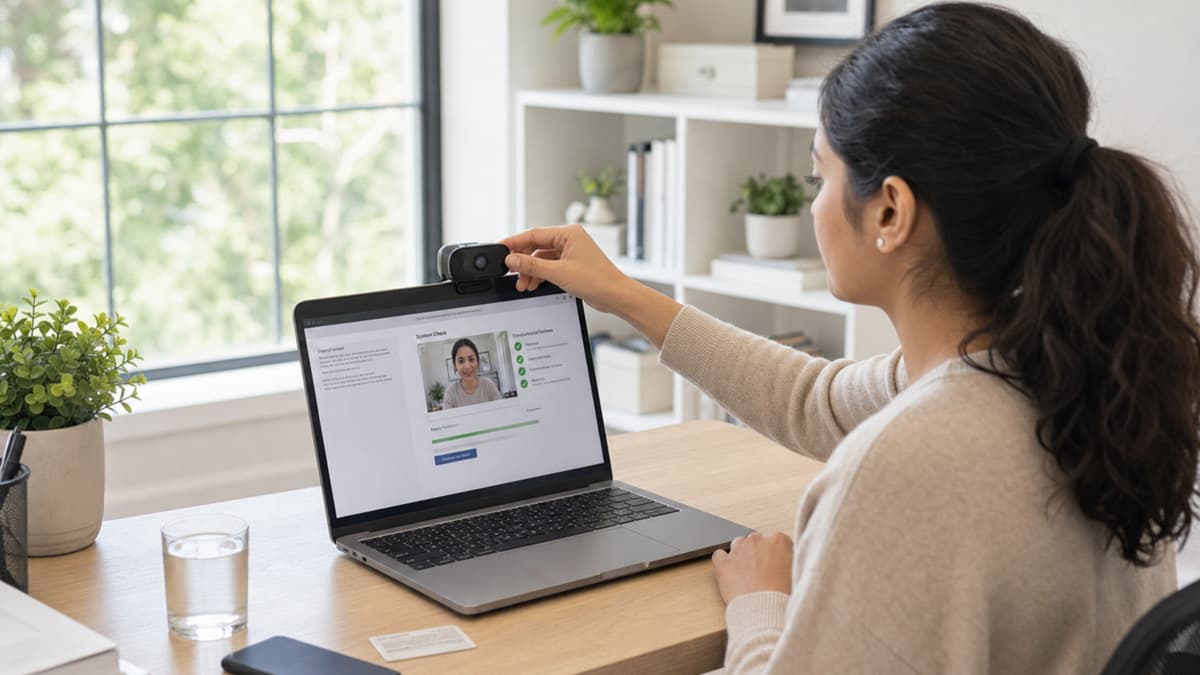
Acuity publishes a system requirements check on its website, and running it the day before, not the morning of, is the single best use of ten minutes in your entire Casper prep. Confirm:
- A working webcam and microphone, tested in the actual browser you'll use for the test.
- A stable internet connection. A wired connection beats Wi-Fi if you have the option.
- An updated, supported browser with extensions that could interfere (ad blockers, VPNs) disabled.
- A charged laptop plugged into power, so a dead battery never becomes your problem mid-scenario.
If your connection drops during the test, Acuity has a documented process for resuming or rescheduling. Complete the system check anyway. Fixing a webcam driver issue before the test is a five-minute task; discovering it live, with a clock running, is a very different experience.
Your Test Environment
Your camera records the entire session, so pick a space accordingly:
- A quiet room where you won't be interrupted for the full 65 to 85 minutes.
- Even lighting facing you, not behind you. Backlighting from a window turns you into a silhouette.
- A plain, uncluttered background.
- Water within reach, since you can't leave the room mid-scenario.
- Your phone silenced and out of sight. Notifications aren't just a distraction; a buzzing phone in frame during a video response looks unprofessional.
Five Things to Actually Do During the Test
- Read the full prompt before you plan your answer. Each question is scored individually, so a strong response to one and a blank response to the other means one good rating and one terrible one. Budget your time across both rather than polishing the first.
- Use your reflection time to outline, not to write your first sentence. Ten to thirty seconds isn't enough to draft, but it's enough to pick your main point and one supporting example.
- Don't chase perfect prose. Casper raters are trained to ignore spelling, grammar, and typos. Bullet points are officially fine in typed responses. Spend your limited time on substance, not polish.
- Take the optional breaks. Ten minutes after the video section and five minutes partway through the typed section exist for a reason. Skipping them to "save time" doesn't help your score; resetting your focus does.
- Treat every scenario as its own test. A rough answer on scenario 3 has zero bearing on scenario 4, because no rater sees more than one of your scenarios. Let it go and move on.
What Happens After You Submit
You'll get an optional short survey about your testing experience, and then you're done. Programs on your distribution list typically receive your results two to three weeks after your test date, and your own quartile shows up in your Acuity account about four to five weeks after your test date. There's nothing to do in the meantime except finish the rest of your application. For what those results actually mean, see How Casper Is Graded and What Is a Good Casper Score?
Final Test Day Checklist
- Ran Acuity's system requirements check on the exact device and browser you'll use.
- Confirmed webcam, microphone, and internet connection the day before.
- Charged your laptop and have it plugged in.
- Picked a quiet, well-lit, distraction-free room.
- Silenced your phone and closed unrelated browser tabs.
- Have water nearby.
- Know your exact start time and logged in a few minutes early.
- Reviewed the 10 competencies raters are trained to look for.
- Practiced under real time pressure with the practice scenarios or timed drills.
Frequently Asked Questions
How long does Casper test day take?
Plan for 65 to 85 minutes total, including two optional breaks. The test runs in a single, uninterrupted sitting once you start.
What should I wear or show on camera for Casper?
Dress the way you would for a video interview: presentable from the waist up, in a plain, well-lit space. There's no formal dress code, but a professional setting supports a professional impression.
Can I use notes during the Casper test?
Blank scratch paper and a pen or pencil are permitted; pre-written material is not. Prepared notes, scripts, translation or grammar tools, phones, and another person in the room are all banned. Jotting a two-or-three-word outline during reading time is fine and is a genuinely useful habit. Casper is designed to capture unscripted judgment, so the rule targets scripts, not scratch paper. Our typing speed guide covers the full permitted and prohibited list.
What happens if my internet disconnects mid-test?
Acuity has a technical support process for exactly this. Log the issue with them immediately; interrupted sessions can often be resumed or rescheduled. Running the system check beforehand makes this scenario rare.
Do I need to do anything special before the video sections?
Just make sure your camera and microphone are already working from your earlier system check. Once a video section starts, there's no setup pause, so any technical issue becomes your problem to solve on the clock.
The Bottom Line
Casper test day rewards preparation you do before you ever log in: a tested webcam, a quiet room, and a start time you show up for early. None of it is complicated, and all of it is easy to overlook until it costs you a scenario. Pair this checklist with the Casper study plan and a typing speed check so the logistics and the skills are both dialed in before your test date. For timed reps that mirror the real interface, the Casper test prep course runs the same written and video formats end to end. If you haven't booked yet, the Casper registration walkthrough covers account setup and distribution deadlines first.